A Forge modded server panel that picks the right Java for you
From 1.7.10 classics to current NeoForge packs, create the server, size its memory, and find the mod behind a crash without reading a stack trace line by line.
 Forge
 NeoForge
- CurseForge
- Modrinthkeyless
Forge or NeoForge?
NeoForge is where the old Forge ecosystem now does its work for current versions. It split from Forge during 1.20.1, and most large packs built for 1.20.2 and later target it, so start a new heavyweight server on NeoForge. Forge still owns the past: anything from the 1.7.10, 1.12.2, and 1.16.5 eras is Forge, and that is a great deal of the best-loved packs. Mods for one loader do not run on the other, and a 1.20.1 NeoForge pack does not run on 1.20.1 Forge.
- New heavyweight server: NeoForge.
- 1.7.10, 1.12.2, or 1.16.5 era: Forge.
- A published pack: whatever the pack lists, exactly.
The Right Java, Every Time
Minecraft's Java requirement moves with the game, and the wrong one gives you an unhelpful UnsupportedClassVersionError instead of a clear message. Old packs really do need Java 8, and current versions need 21 or newer. The creation wizard reads the Minecraft version you pick and chooses the runtime itself, so the mismatch never happens by accident. Upgrading a pack re-resolves Java if the new version needs a different one.
- 1.16.5 and earlier: Java 8.
- 1.18 to 1.20.4: Java 17.
- 1.20.5 to 1.21: Java 21.
Memory Sized for Modded
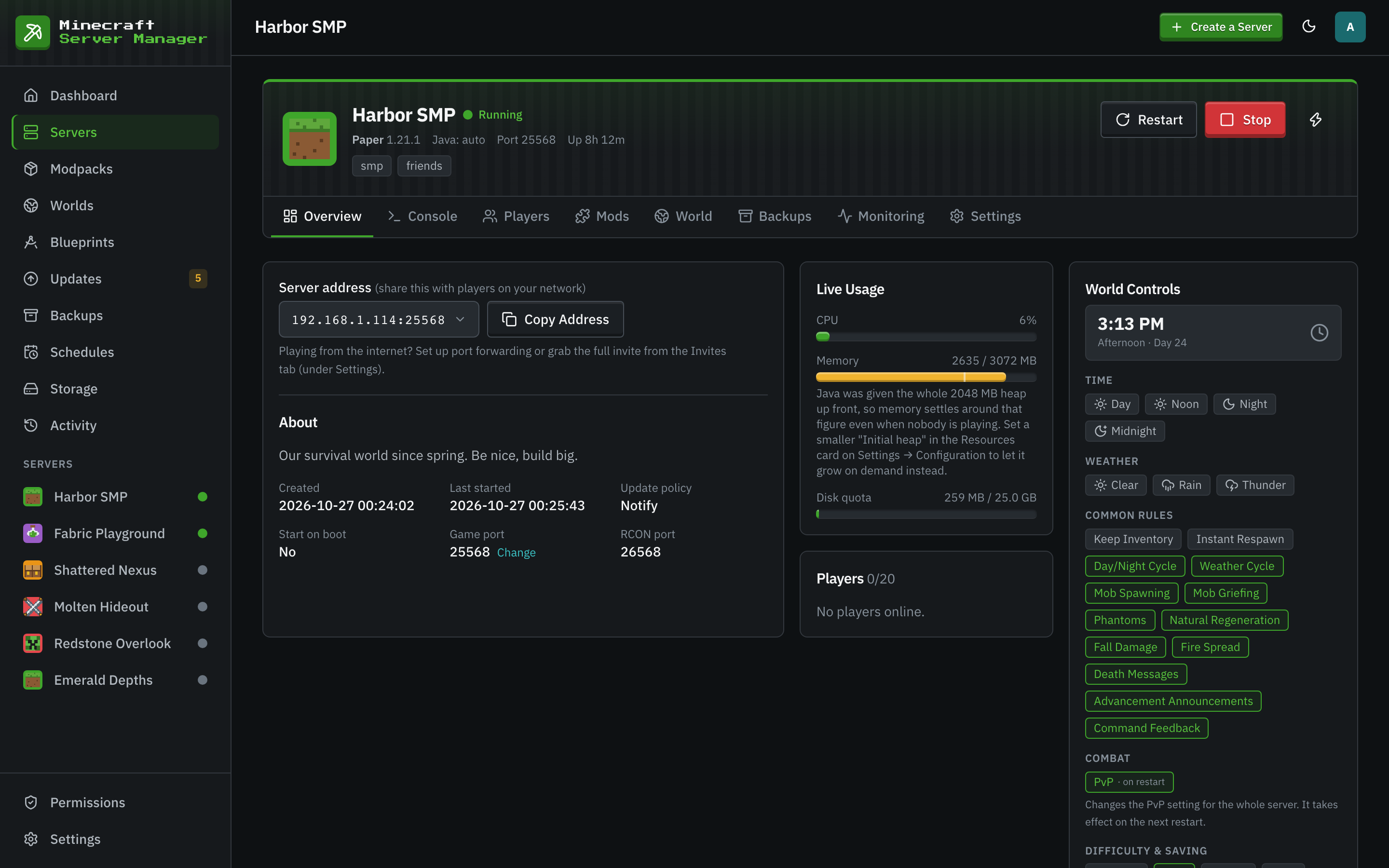
Each server has two numbers: the Java heap and the container memory limit. Java needs memory beyond the heap, about 1.5 to 2 GB on a large modpack, and a container with no headroom is killed the moment Java reaches for it. The wizard sets the limit 50 percent above the heap, and the panel refuses a container limit that is not above the heap. A kitchen-sink pack of 150 to 300 mods wants a 6 to 8 GB heap.
- A server stopped for running out of memory is recorded as exactly that in its history.
- Set a smaller initial heap to see memory follow real use.
Crashes That Name Their Suspects
Crash reports are picked up automatically and parsed into a one-line summary with the exception and the mods most likely behind it. Open the built-in viewer, copy the stack trace, or, after an explicit confirmation, share it to mclo.gs and get its automated insights: known problems with suggested fixes, shown right in the panel. Auto-restart on crash tries again with growing waits, and skips crashes that need a fix first, like the wrong Java or running out of memory.
- mclo.gs
Start a Forge Server in Three Steps
- 1
Pick the Loader and Version
On the wizard's From Mods tab, choose Forge or NeoForge, the Minecraft version, and the latest loader build or a pinned one.
- 2
Give It Enough Memory
Set the Java heap for the size of your mod list. The container limit follows, 50 percent above it.
- 3
Add Mods or Import a Zip
Search CurseForge and Modrinth, or import a CurseForge export or a zip of jars. Every jar is identified and checked against the server first.
Forge Server Questions
- Can I still run a 1.12.2 or 1.7.10 pack?
- Yes. Pick the version and Forge in the wizard and the panel runs it on Java 8, which those versions need. GT New Horizons, the 1.7.10 expert pack, installs from the Modpacks page with its own Java choice.
- How much memory does a Forge server need?
- A light pack of 40 to 80 mods runs well on a 4 GB heap in a 6 GB container. A pack of 150 to 300 mods wants 6 to 8 GB of heap and about 10 GB for the container.
- Can I pin a specific Forge build?
- Yes. The wizard's loader build picker takes the latest or a specific build, and the Updates page offers newer builds for a pinned one without applying them on its own.
- My server crashed on start. Where do I look?
- Open Monitoring and then History. The crash report card lists the exception and the suspected mods, and Analyze runs mclo.gs insights for known problems and fixes.
Keep Reading
 Modpack serversCurseForge, Modrinth, FTB, and GT New Horizons packs pinned to an exact version, plus your own zip or .mrpack.
 Fabric and QuiltFabric and Quilt servers for lightweight, fast-updating mods, with a version check before every Minecraft upgrade.
 Home server guideHost a Minecraft server at home on Windows, macOS, or Linux, and let friends join safely.
Run Your Modded Server Yourself
Install the panel on a machine with enough memory, then create a Forge or NeoForge server from the wizard.