Run multiple Minecraft servers on one machine, cleanly
A survival world, a creative build server, and a modpack for the weekend, all on the same machine. Each one gets its own container, its own port, and its own limits, and you see them all on one dashboard.
- Docker
 Paper
 Fabric
 Forge
 Vanilla

Ports Sorted for You
Game ports are handed out first-free, counting up from 25565, with the remote console 1000 above each one. Ten servers use game ports 25565 to 25574 and keep RCON in its own block, so you can open one contiguous game range on your firewall without ever exposing RCON. A port counts as taken if another server uses it, any Docker container on the machine publishes it, or the system reports it busy. Move a server later with the Game Port card, and the panel checks the new port before it saves.
- One game and RCON pair per server, assigned automatically.
- Use Next Free Port picks the lowest free one.
- Open the game range only. RCON stays closed.
Limits So One Server Cannot Starve the Rest
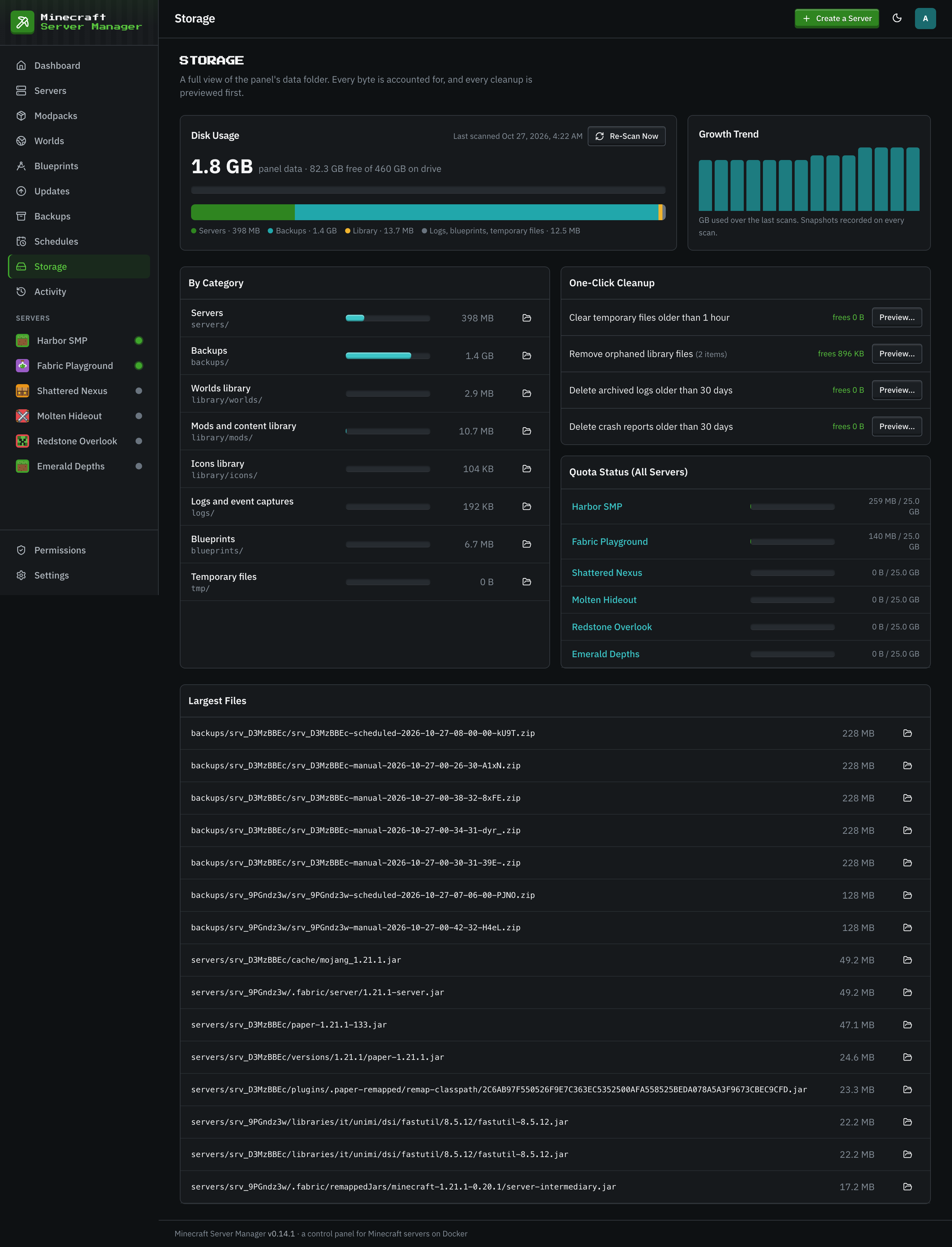
Each server is its own Docker container with a CPU limit, a Java heap, and a hard memory limit above it. Docker cannot cap the disk use of a folder, so the panel does: every server has a disk quota, and an action that would push a server past it, like installing a mod or uploading a world, is blocked until space is freed. Turn on Stop the Server When Over Quota and a server that grows more than 10 percent past its quota is stopped and noted in its history.
- Per-server CPU, heap, and memory limit.
- Panel-enforced disk quotas.
- Defaults for new servers adapt to the machine's memory.
Share What Can Be Shared
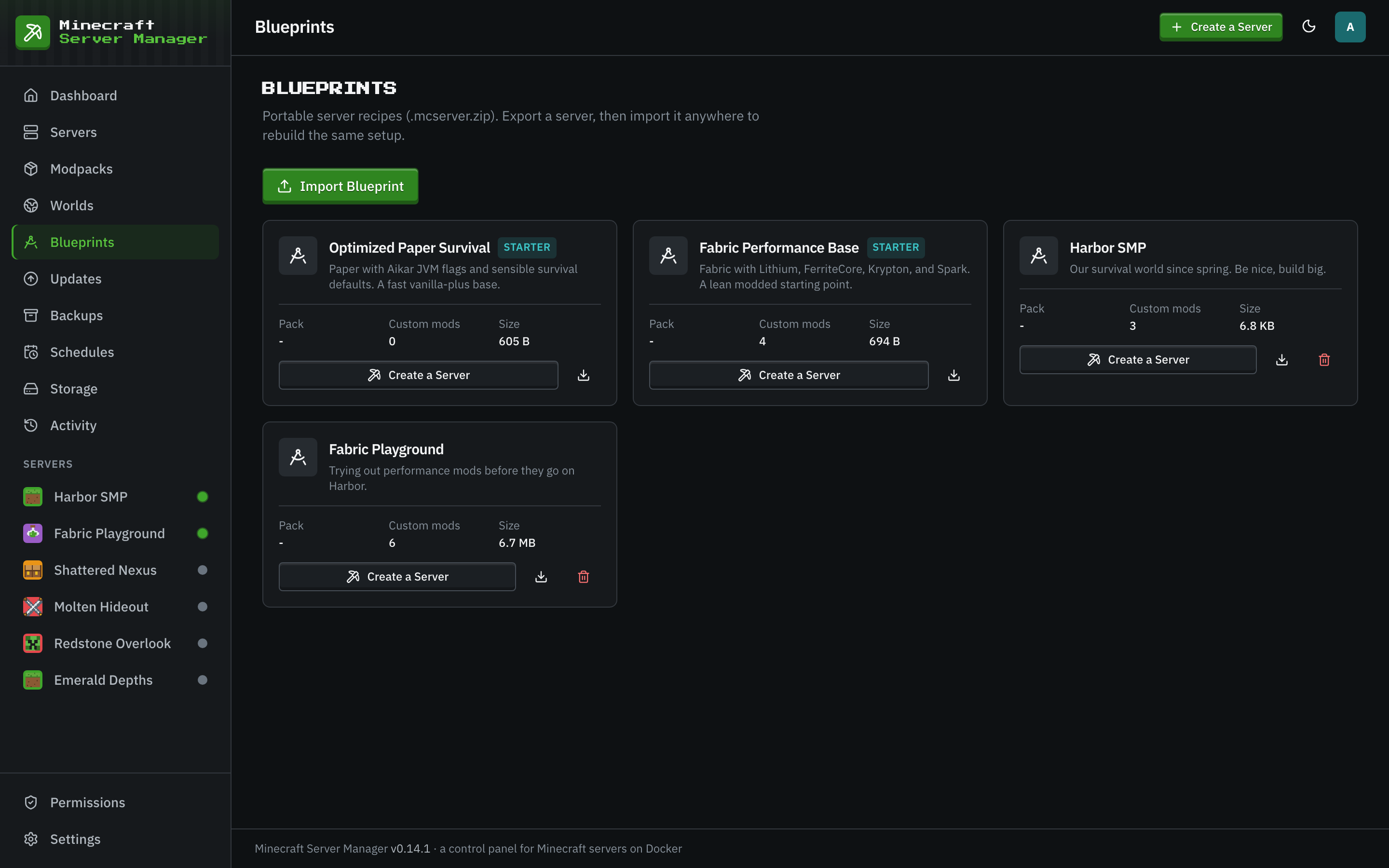
Mods you add are stored once in a shared library, deduplicated by sha256, and linked into every server that uses them, so ten servers running the same mod do not store it ten times. Worlds go into a world library any server can install from. A blueprint captures a server's whole recipe as a single .mcserver.zip, and Clone uses it to stamp out an identical server with fresh ports.
One View of the Fleet
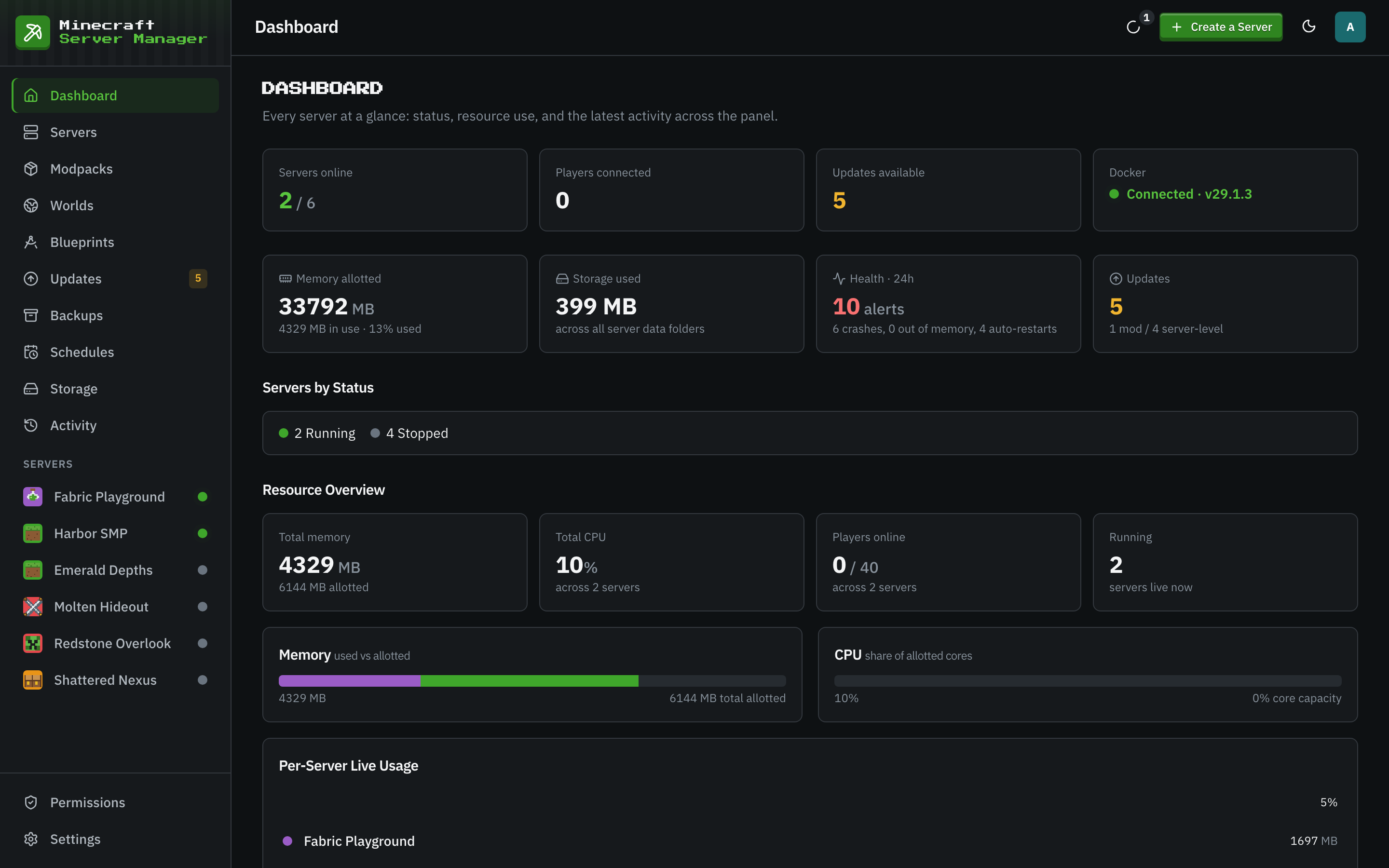
The dashboard shows every server at a glance: status, memory, players online, updates waiting, and recent activity. Tags organize the servers list. Global schedules run restarts, backups, or commands across servers, and the Updates page collects what is out of date across the fleet. Per-server permissions let a friend run their own server in the panel without seeing yours.
Plan a Multi-Server Machine
- 1
Add Up the Memory
Sum each server's Java heap and its headroom, then leave room for the system. Servers that are stopped use no memory, so a weekend pack does not cost anything on weekdays.
- 2
Set Sensible Defaults
An admin sets the heap, disk quota, and CPU limit every new server starts with under Settings, Defaults for New Servers.
- 3
Open One Port Range
Open a game port range sized for the servers you plan to run, over TCP and UDP. Leave the RCON block closed.
Multi-Server Questions
- How many servers can one machine run?
- Memory decides it first. Add up each running server's heap and its headroom: a small vanilla or Paper server wants about 4 GB in total, a light modpack about 6 GB. Stopped servers cost nothing.
- Can each server have its own admins?
- Yes. Per-server permissions grant view, power, console, players, content, backups, files, settings, and delete separately for each server, and a server can be hidden from a user entirely.
- Can players switch between my servers in game?
- Not through the panel itself. Each server has its own address and port. Linking servers so players move between them in game takes a proxy server, which you would run alongside them.
Keep Reading


Run Your Whole Fleet From One Place
Install the panel once and add servers as you need them. No per-server fees and no instance limits.