Crafty Controller vs Minecraft Server Manager
Both are free, self-hosted panels made for Minecraft. Crafty runs each server as a process on the host, written in Python. Minecraft Server Manager runs each server in its own Docker container and builds modpacks, mod search and crash tools into the panel.
- Docker
- Linux
 Windows
- macOS
- arm64
Containers Instead of Host Processes
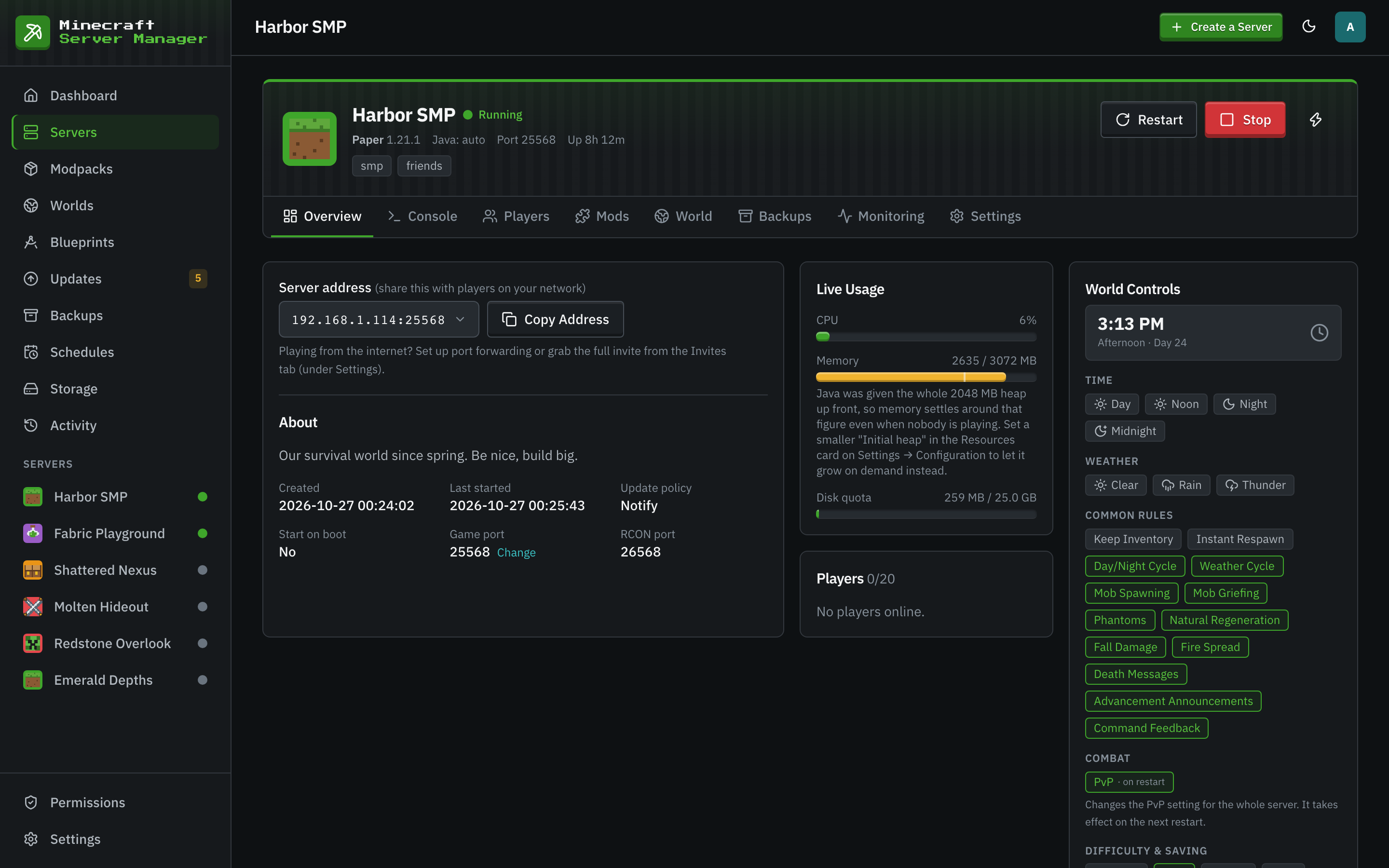
In Minecraft Server Manager every server is its own Docker container on the well-known itzg Minecraft image, with its own memory and CPU limits and a disk quota the panel enforces. One server cannot eat the machine's memory or fill its disk, and rebuilding a server never touches the others. The trade is that Docker has to be installed on the host.
- Memory, CPU and disk limits per server.
- Graceful RCON stop before the container stops, and crash detection with backoff.
- Java is picked per server by the image, so mixed Minecraft versions just work.
- Docker
- amd64
- arm64
Where Minecraft Server Manager Is Stronger
The wizard installs modpacks and mods for you and keeps them pinned, so a restart never silently upgrades a pack.
- Install CurseForge, Modrinth, FTB and GT New Horizons packs from the wizard.
- Import a Modrinth .mrpack, a CurseForge export or your own zip of jars, with every jar identified.
- Search five registries at once, filtered to the server's loader and version.
- Upgrades take a backup first and roll back in one click.
- One-click BlueMap live map and mclo.gs crash sharing.
- Portable blueprints: export a server's recipe and get the same server anywhere.
- CurseForge packs
- Modrinth packs
 FTB
 GT New Horizons
- .mrpack
- CurseForge export
When Crafty Controller Is the Better Pick
Crafty is mature, actively maintained, and runs in more places without Docker.
- You want to run servers without installing Docker, for example directly on Windows, macOS or a Raspberry Pi.
- You run Bedrock Dedicated Server itself, not only Java with Geyser.
- You want passkey sign-in.
Side by Side
| Minecraft Server Manager | Crafty Controller | |
|---|---|---|
| Price and licence | Free, MIT. | Free, GPL-3.0. |
| Written in | Node.js 24. | Python 3.10 to 3.12. |
| Game servers run as | Resource-capped Docker containers. | Processes on the host. The panel itself can also run in Docker. |
| Docker | Required on the host. | Optional. |
| Host systems | Linux, Windows and macOS. The image is built for amd64 and arm64. | Linux, Windows, macOS and Raspberry Pi OS, plus Docker, UnRAID and CasaOS guides. Its image covers amd64 and arm64. |
| Editions | Java Edition. Bedrock players can join through Geyser. | Java Edition from 1.8 to the latest, and Bedrock. |
| Modpacks | CurseForge, Modrinth, FTB and GT New Horizons packs from the wizard, pinned to an exact version. | Its FAQ describes importing a pack as a zip, or Modrinth packs through mrpack-install. |
| Backups, schedules, roles, 2FA | Yes: retention per server, cron schedules, three roles with per-server permissions, TOTP. | Yes: a backup manager, a task scheduler, user roles, and TOTP plus passkeys. |
Facts checked October 2026 against each project's own documentation.
Crafty Controller Questions
- Can I move my Crafty server into Minecraft Server Manager?
- Yes. Create a server with the same type and Minecraft version, then upload the world as a zip on the Worlds page and install it to that server. For a modded server, import your pack or a zip of the mod jars when you create it.
- Does Minecraft Server Manager run on a Raspberry Pi?
- Yes, on a 64-bit OS with Docker. The panel image is published for arm64 as well as amd64.
- Why does Minecraft Server Manager need Docker?
- Each server runs in its own container, which is how it gets resource limits, a clean rebuild, and the right Java version for every Minecraft version.
Keep Reading


See It With Your Own Server
Install the panel in three steps, then create a server from a modpack in the wizard.