
Storage
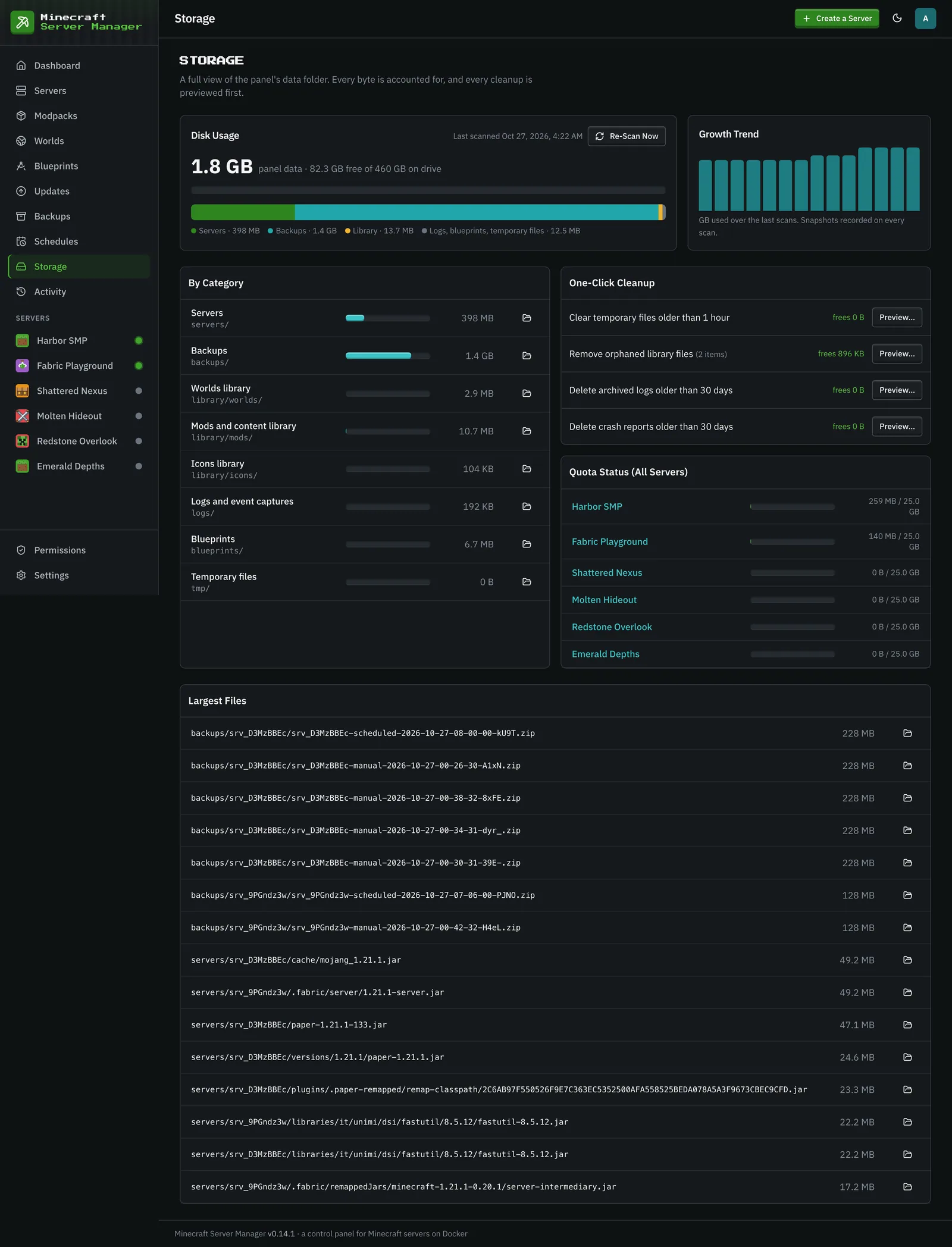
The Storage page shows where your disk is going: usage by category, each server against its quota, the largest files, and how total use is trending over recent scans. It is for admins only.
Disk quotas are panel-enforced
Section titled “Disk quotas are panel-enforced”Docker can’t cap the disk usage of a bind mount, so the panel does it. A background size-indexer walks the data folder (every 15 minutes, after changes, or when you press Re-Scan Now), caches each server’s footprint, and enforces the disk quota you set per server. An action that would take a server’s folder (world, mods, configs, logs, and everything else in it) over its quota, such as installing a mod or a world or uploading files, is blocked until space is freed or the quota is raised, rather than letting one server fill your host.
Set a server’s quota in its settings. Turning on Stop the Server When Over Quota there also stops a running server once its folder grows more than 10% past the quota, and notes it in the server’s history. Modded servers can be large, so give them room. Backups are stored separately and don’t count toward the quota.
Cleanup
Section titled “Cleanup”The One-Click Cleanup card frees space the panel can safely reclaim: temporary files older than an hour, orphaned library files, and archived logs and crash reports older than 30 days. Each one shows how much it frees and opens a preview before anything is deleted. The By Category and Largest Files lists link straight into the file manager, so you can find what else to prune before you run out of space.